Hulk Professional Series Battery Chargers: Manuals, Modes and Error Codes Explained
If you've landed here searching for your Hulk battery charger manual, or you're stuck wondering what "boost mode" does, you're in the right place. Below you'll find the manual for your exact model, a guide to every charging mode, and the first steps to try if your charger isn't behaving.
Find Your Hulk Battery Charger Manual
Hulk's Professional Series covers six models, each built for a different battery size and job. Match your charger's model number (printed on the unit itself) to the table below, then grab the manual.
| Model | Output | Battery Range | Best suited to | Manual |
|---|---|---|---|---|
| HU6550 | 6/12V, 1A | 1.2–20Ah | Motorcycles, ATVs, small vehicle batteries | Download manual |
| HU6552 | 12V, 3.8A | 1.2–120Ah | Cars, SUVs, boats, golf carts | Download manual |
| HU6554 | 12/24V, 7.5A | 18–240Ah | 4x4s, caravans, trucks | Download manual |
| HU6556 | 12/24V, 15A | 30–300Ah | Larger vehicles, RVs, tractors | Download manual |
| HU6558 | 12/24V, 25A | 50–500Ah | Trucks, earthmoving equipment | Download manual |
| HU6525 / HU6540 | — | — | Check the specific spec sheet in the manual | Download manual |
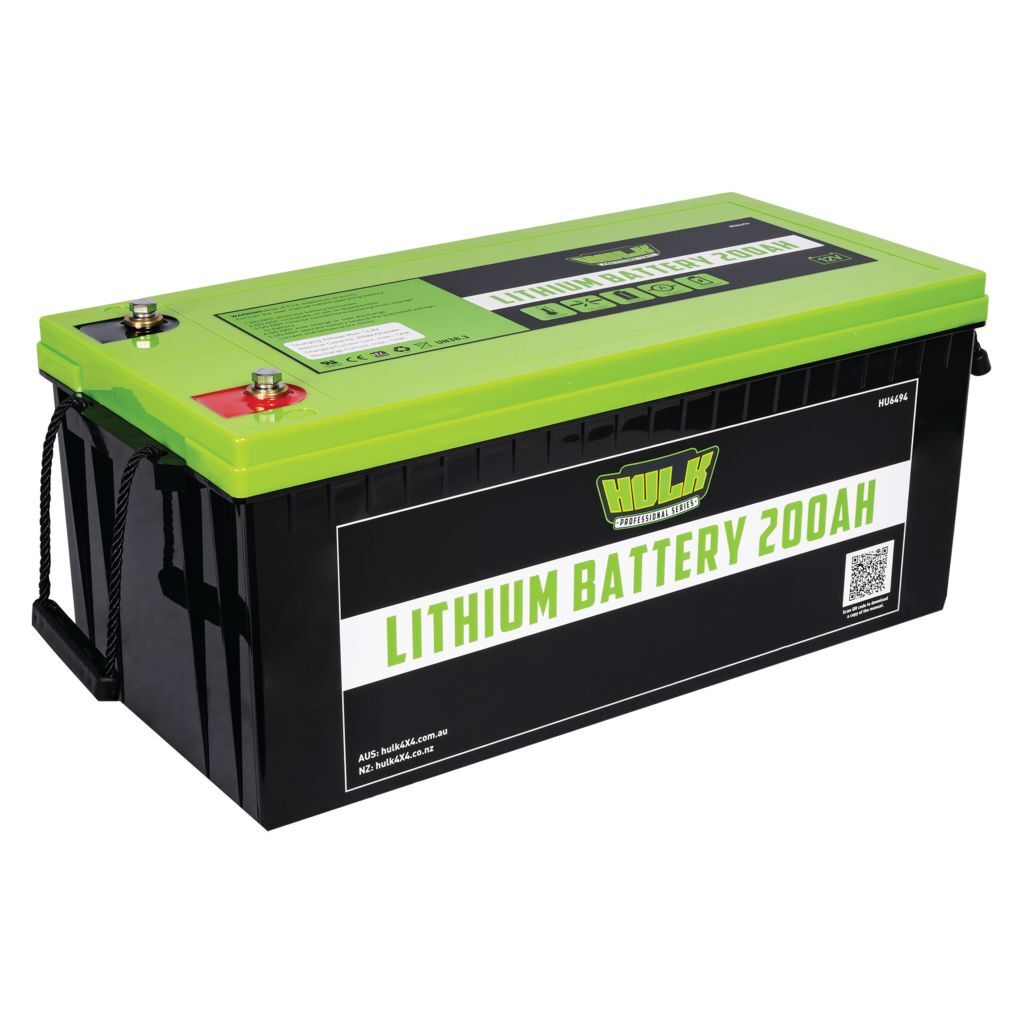
Charging a lithium or dedicated DC-DC setup instead? Grab theLithium Battery Manual or theDC-DC Charger Brochure.
Which Hulk Battery Charger Suits Your Vehicle?
The right charger comes down to two things: your battery's amp-hour (Ah) capacity and how often you'll use it away from mains power.
A motorbike or small vintage car runs happily on the compact HU6550. A daily-driven car or boat suits the HU6552, which also handles lithium batteries. Once you're into 4x4 or caravan territory, with bigger deep-cycle batteries and longer trips off-grid, the HU6554 earns its keep. It's the smallest model with the boost and power-supply functions built in. Trucks, tractors and heavy equipment need the higher output of the HU6556 or HU6558.
Understanding the Charging Modes and Functions
Boost Function
Available on the HU6554, HU6556 and HU6558, boost function is designed for batteries that have been left flat or discharged repeatedly over time. When this happens, the acid inside can settle unevenly (called stratification), which cuts the battery's capacity and shortens its life. Running boost function once a year helps recover the battery from this state. It's a maintenance step, not something you'd use every charge.
Power Supply Function
Also limited to the HU6554, HU6556 and HU6558, this function turns your charger into a steady 12V power source rather than a charger. It's handy for two jobs: keeping your vehicle's electronics powered while you swap out a battery (so you don't lose radio presets or clock settings), or running 12V accessories directly from the charger.
Lithium and Calcium Charging
Lead-acid, calcium and lithium batteries each need a different charge profile, so picking the wrong one can shorten battery life. The HU6552 and HU6554 include a dedicated lithium setting. The HU6554, HU6556 and HU6558 include calcium charging. Check your battery's label before you plug in, and pick the matching mode on the charger. Most models select this automatically or via a mode button, which your model's manual will show.
Troubleshooting Your Hulk Battery Charger
The Charger Won't Start Charging
Smart chargers like these check the battery's voltage before they'll begin, largely as a safety measure. If your battery has dropped below the charger's minimum rescue voltage (this varies by model, typically between 2.5V and 4.5V), the charger may not start automatically. Double-check your clamp connections are firm and correctly matched to polarity (red to positive, black to negative) before assuming a fault.
Reading Error Codes and Display Lights
Error codes and flashing lights differ across the six models, so rather than guess, the fastest fix is checking the diagnosis and fault-code section in your specific model's manual (linked in the table above), it lists exactly what each code or light pattern means for that unit.
General Safety Checks
As with any mains-powered charger, keep it away from direct exposure to battery gases or fluids, use it somewhere with reasonable airflow, and avoid placing it directly above or below the battery itself.
Get the Right Charger, Sorted the Right Way
Found your manual, or worked out which model fits your setup? Browse the fullHulk Professional Series battery charger range to compare models side by side, or get in touch with the team if your fault persists after checking the manual.
Hulk Professional Series Battery Chargers FAQS
What is "normal mode" on a Hulk battery charger?
Normal mode is the charger's standard automatic charging cycle. It runs through the full multi-stage process (bulk, absorption, trickle) without Boost or Power Supply engaged. It's what the charger defaults to for everyday charging.
What does the LCD screen show?
The display shows charging stage, voltage, and any active fault code. Which stage icon or code appears depends on your model. Check the display key in your model's manual (linked above) for the exact readout.
What's the difference between Boost Mode and normal charging?
Boost Function (sometimes called boost mode) is a once-a-year recovery cycle for batteries that have become acid-stratified from frequent deep discharge. It's not part of the everyday charging cycle, running it too often isn't necessary and won't speed up normal charging.
Why does my charger keep turning off or stopping mid-charge?
This is usually the charger's safety cut-out responding to a battery it can't safely charge further, either it's reached full charge and switched to maintenance, or it's detected a fault (wrong polarity, a shorted cell, or a battery below its rescue threshold). Check your connections first, then refer to the fault-code section of your model's manual to identify which condition triggered the cut-out.
What do the different LED or light colours mean?
Light patterns vary by model, so a colour that means "fully charged" on one Hulk charger can mean something different on another. Rather than guess, check the LED/status key in your specific model's manual (linked in the table above). It's the only reliable source for what your unit's lights are telling you.
Can I charge my battery manually instead of using automatic mode?
Most Professional Series models are designed to run fully automatically once you've selected the correct battery type (lead-acid, calcium, or lithium). Manual override options, where available, are covered model-by-model in each manual. Check yours before switching out of auto mode.
Where can I find the wiring diagram for my charger?
Wiring and connection diagrams are included in each model's manual (linked in the table above), typically in the setup section near the front of the document.
Can these chargers be used with a Hulk lithium battery?
The HU6552 and HU6554 include a dedicated lithium charging setting. If you're running a Hulk lithium battery, check theLithium Battery Manual to confirm the correct mode and settings for your setup.
What's the difference between the Hulk battery charger and the Hulk DC-DC charger?
A battery charger like the ones on this page plugs into mains power to charge a battery from empty. A DC-DC charger instead runs off your vehicle's alternator while driving, to charge a second (auxiliary) battery. The two do different jobs and aren't interchangeable. See the DC-DC Charger Brochure for that range.